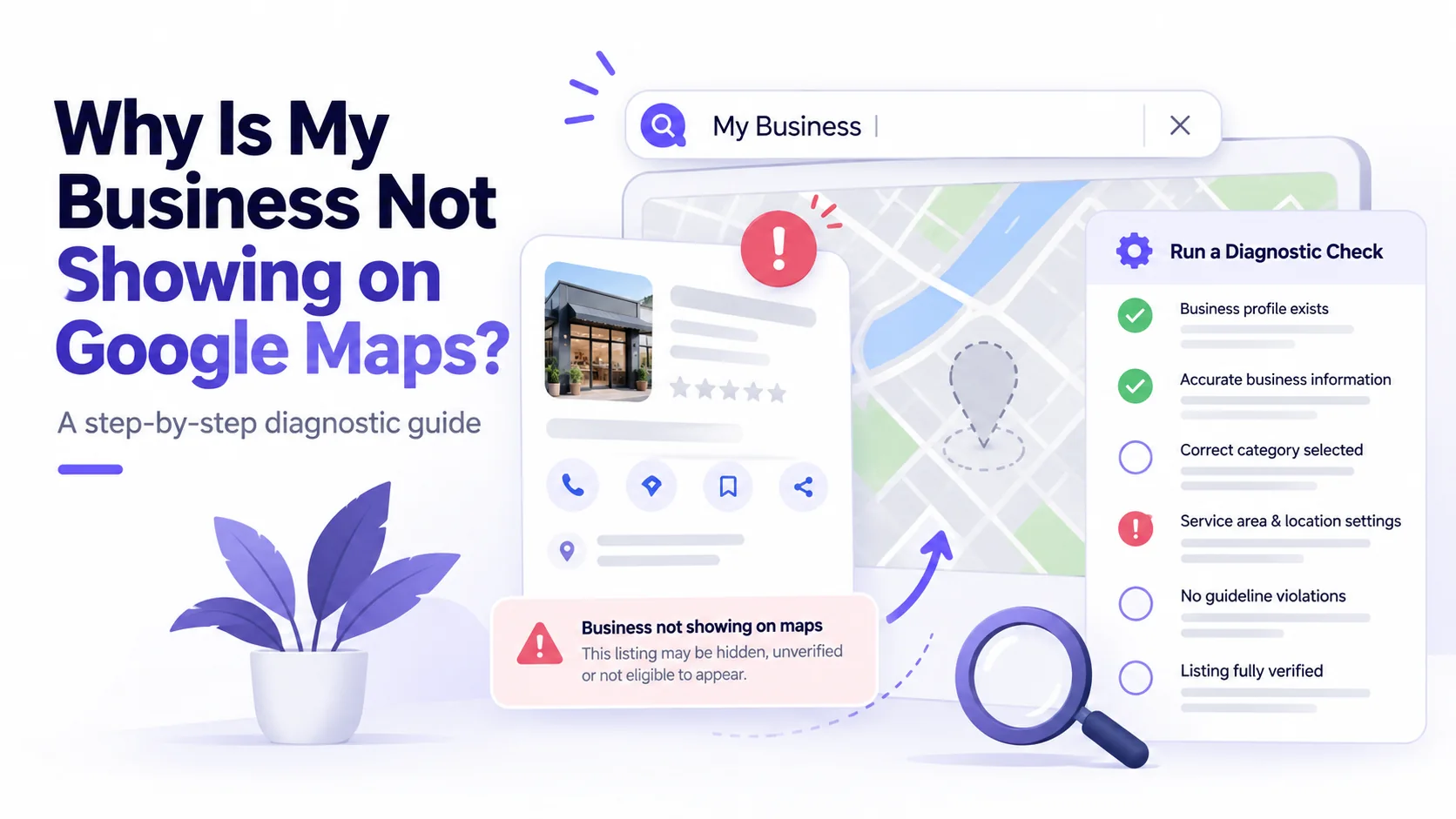
If your business is not showing on Google Maps, do not assume you need more keywords. The correct fix depends on whether the business listing itself is missing, the profile is unverified or restricted, the listing exists but does not rank for general searches, or customers find it but cannot contact you.
Start by looking for your exact business name and genuine address. Then check the account that manages the Google Business Profile. Only after confirming profile status should you evaluate searches such as “dentist near me”, “roofer near me”, “childcare near me” or your actual trade and city.
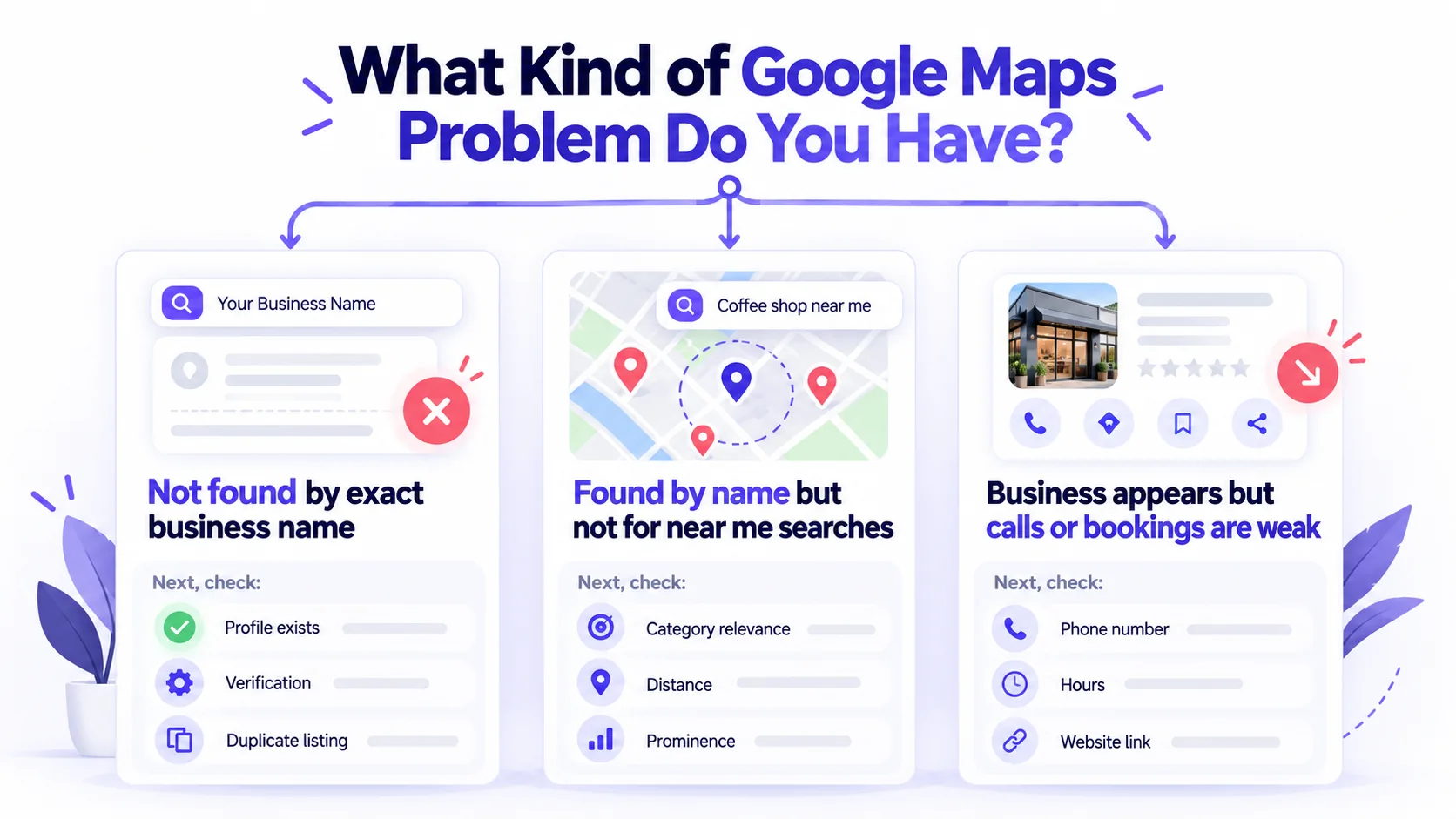
First: decide which Maps problem you have
| What you observe | What it may mean | First check |
|---|---|---|
| Exact business name returns no listing | Profile not created, not eligible, not verified, disabled or incorrect search identity | Owner account, profile status and true business details |
| Listing existed, then disappeared | Possible restriction, suspension, merged/duplicate record or changed information | Official notifications and profile history |
| Name search works, “near me” does not | Relevance, distance, prominence, query-location context or competition | Actual business category and comparable local searches |
| Wrong address or map pin shown | Incorrect or outdated location facts | Approved real business address and Maps edit process |
| Business appears, but calls are missing | Contact details, opening hours, landing page or booking flow may be wrong | Mobile test of phone/website/booking actions |
Step 1: Search for the business by its actual name
Use the exact real-world business name, town and address. Document the date, search location, spelling and whether a profile appears. Avoid treating one anonymous browser result as representative of every potential customer: Maps results may vary by searcher location, language and other context.
If no profile appears, do not create multiple replacement profiles immediately. First confirm whether an existing Business Profile is managed by the rightful owner and whether verification, eligibility or an account restriction explains the issue.
Step 2: Review verification, suspension and duplicate listings
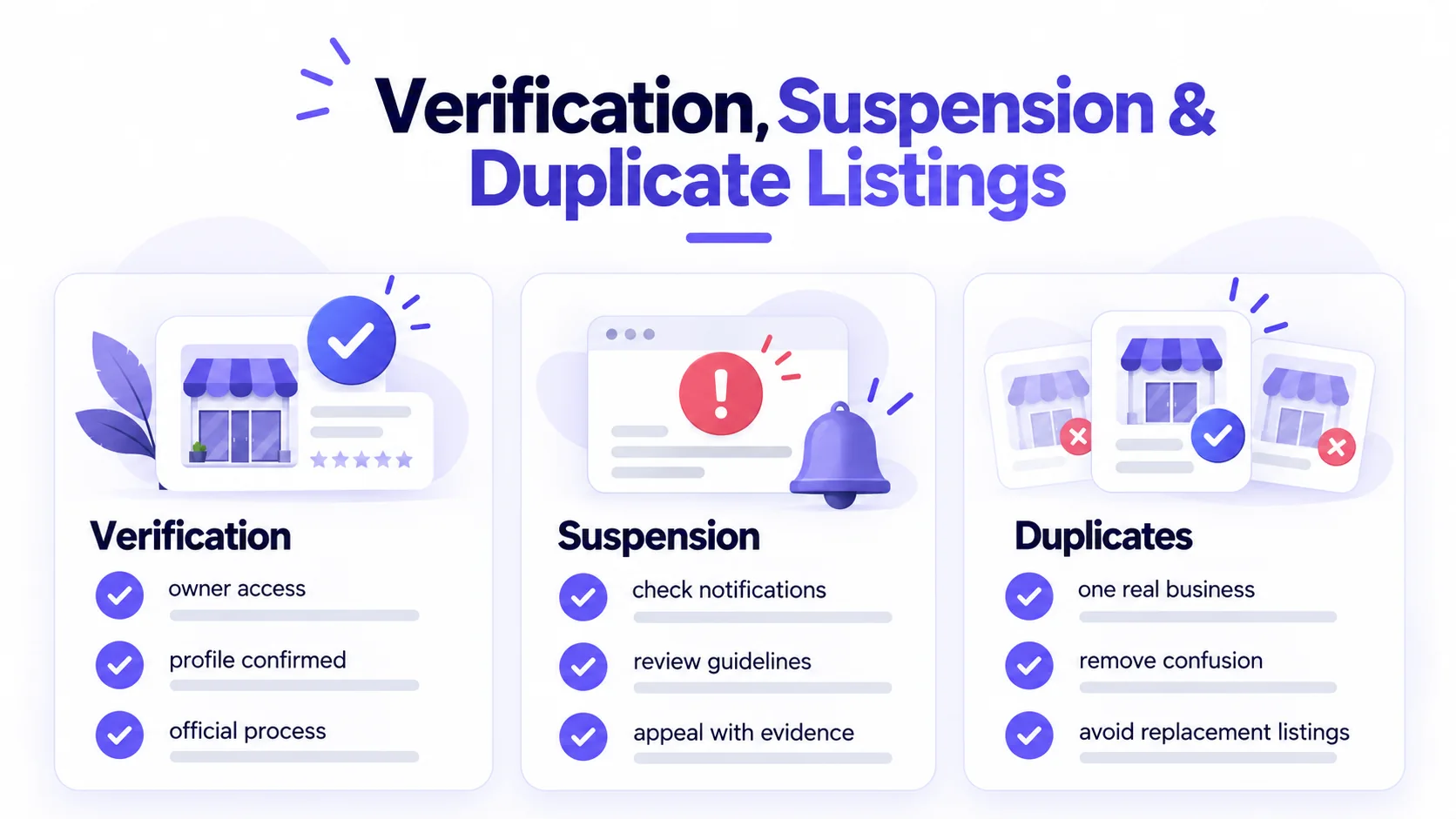
In the account authorized to manage the business, check whether the profile is verified and whether any notifications identify a restriction. Use Google’s legitimate verification or appeal route; don’t create a new listing to evade a policy restriction. Two records representing one real business location can create confusing data for customers and the platform.
Some businesses are not eligible for a storefront profile merely because they serve a large region online. A service-area business should describe genuine in-person service and its legitimate operational setup. The existence of a website does not by itself establish eligibility for a Business Profile.
Step 3: Check actual categories and operating information
Confirm the official business name, primary category, public phone number, hours, holiday hours and website destination. Categories should describe the actual business—not whichever category seems easiest to rank for. For locations that see customers at their premises, accurate directions and location information are essential. Do not publish unverifiable credentials, addresses or service areas.
Step 4: Separate brand-name visibility from competitive Maps ranking
A business appearing for its full name but missing from a generic category search may be functioning normally; it may simply be less relevant or prominent from that user’s location than competing businesses. Google explains the three main local factors as relevance, distance and prominence. There is no supported button to force a first-place position.
Choose several representative search contexts: for example an actual service category and town, or two legitimate customer neighbourhoods. Save which query and location produced each result. Do not promise that setting a wider service radius makes a company rank in every suburb.
Step 5: Check the linked website separately
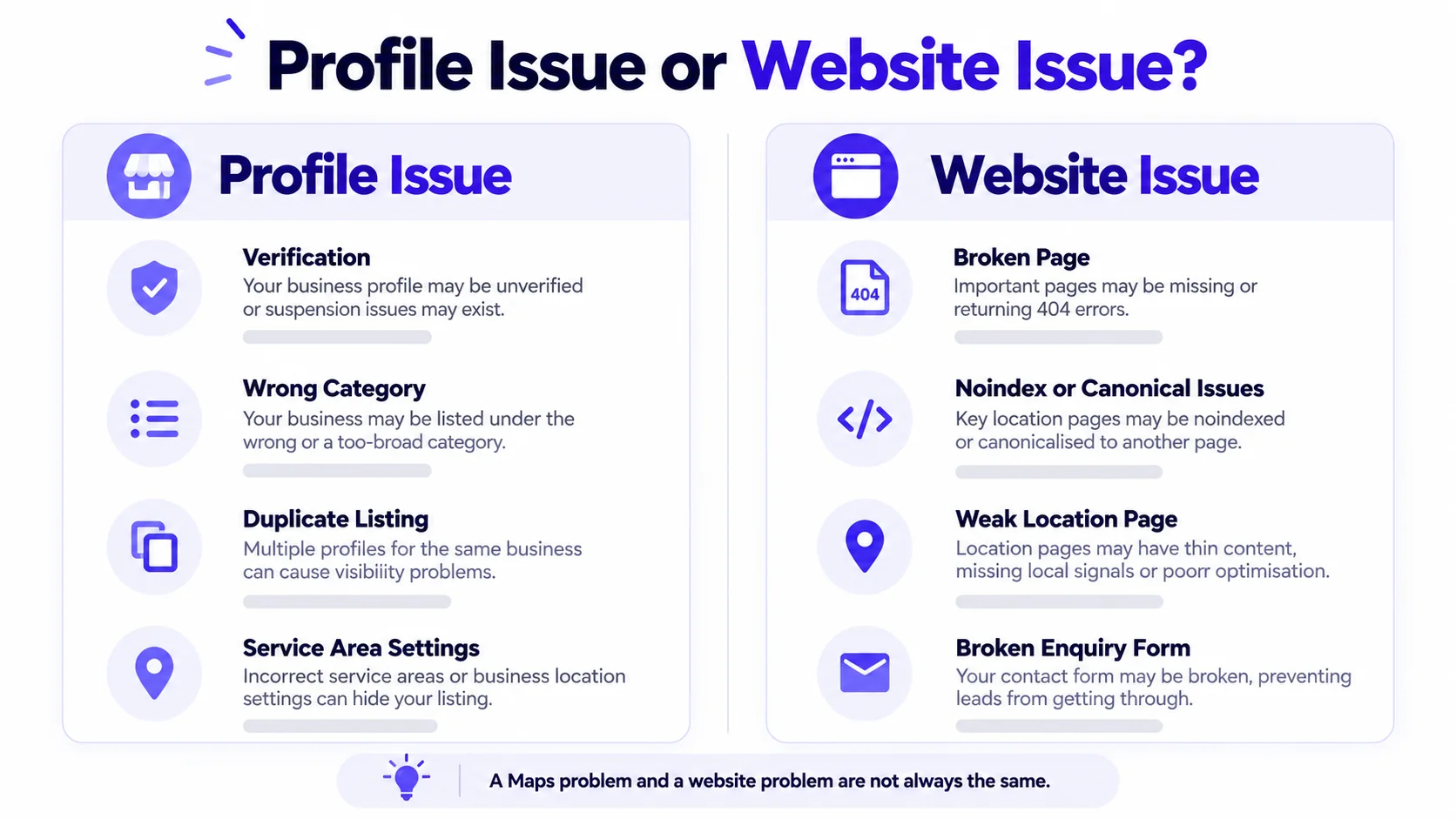
A Google Business Profile issue and a website indexing issue are not interchangeable. Test whether the linked website URL loads without errors, explains the genuine service or location, and offers clear contact or appointment actions on mobile. Look for accidental noindex, wrong canonicals, redirect chains and important pages with no crawlable internal links. Fix a broken phone or enquiry form even if your Maps presence is already correct.
Step 6: Don’t confuse profile interactions with completed leads
Profile views, directions requests, taps on the phone number and website visits are different signals from booked appointments or signed jobs. Businesses should measure what they can verify: working phone connections, submitted forms, reservations, quote requests and lead quality. A marketing report containing only impressions may miss an operational conversion problem.
A documented 30-minute investigation (illustrative, not a customer case study)
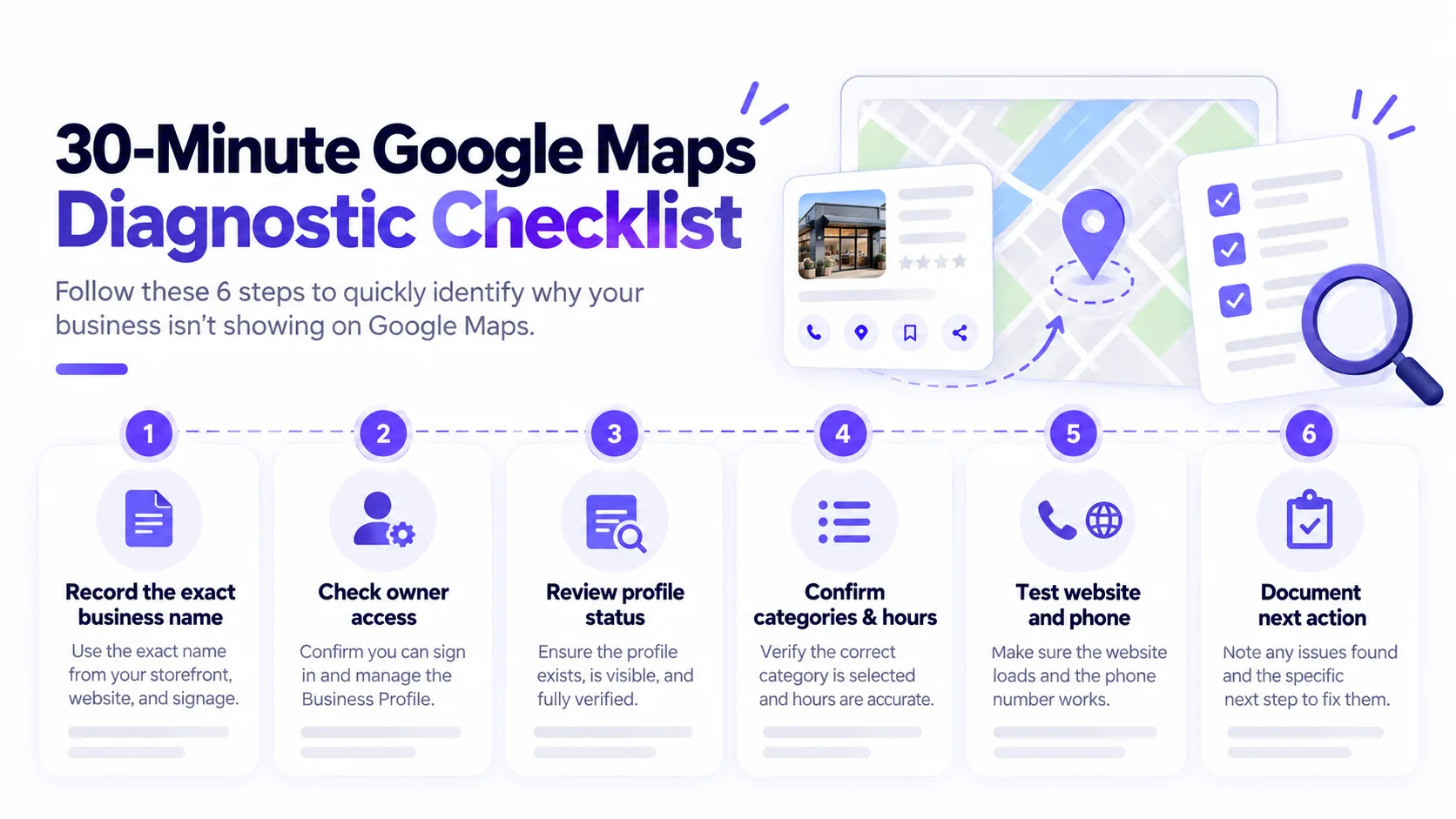
- Minutes 0–5: record the exact name, true location, searched query and time.
- Minutes 5–10: inspect the rightful managing account for verification and restrictions.
- Minutes 10–15: compare approved category, hours, phone number and website URL with public information.
- Minutes 15–20: check the existing Maps result for the exact name and then one relevant non-brand query from a representative location.
- Minutes 20–25: follow the profile’s website/call/booking links on a mobile device.
- Minutes 25–30: write a short evidence log: symptom, screenshot or observation, next official action, account owner and follow-up date.
This workflow is a way to identify the next check, not a 30-minute promise to restore Maps visibility.
Common mistakes to avoid
- Changing the business name to include keywords: use the real business name as represented in the world.
- Opening duplicate profiles: resolve ownership and eligibility first rather than bypassing restrictions.
- Inventing a local office: a remote service or virtual address is not proof of an eligible customer-facing location.
- Buying reviews or promising top rank: focus on genuine customer experiences and accurate business information.
- Publishing cloned city pages: add pages only when they offer useful and true location-specific detail.
- Making random robots.txt or canonical changes: confirm an actual website fault before technical changes.
When does a business need a local SEO agency?
For practical account, website and measurement assistance rather than generic ranking promises, see our Local SEO and Google Business Profile optimization service.
If the business profile is eligible and working but customers still cannot find relevant service pages, qualified enquiries are weak, or the website is technically hard to use, a scoped local SEO investigation can be worthwhile. Ask an agency to document its diagnosis, account-access boundaries, deliverables, implementation responsibilities and a plan for verifying fixes. No reputable proposal should sell guaranteed Google Maps positions.
For childcare-specific identity and admissions scenarios, see our daycare Google Maps guide. For the broader service offering, see SEO services for small businesses and Canadian renovation contractor SEO.
Frequently asked questions
How long does it take for my business to show on Google Maps?
It varies based on the underlying issue: eligibility, verification, account restrictions, factual changes or local competition. Checking profile status is necessary before estimating a remedy; no fixed appearance time can be guaranteed.
Why do competitors appear on Maps but my business does not?
Their location, categories, real-world prominence and other relevant signals may differ. Compare the same query and search location, then correct verifiable gaps rather than copying competitors’ names or categories.
Can an SEO agency pay Google to rank me higher in local results?
No. Google’s official guidance says there is no way to request or pay for a better organic local ranking.
Does adding LocalBusiness schema fix a missing listing?
No. Structured data is not a replacement for Business Profile eligibility, ownership or verification. It describes supported facts about a website page and is useful only when accurate.
Need a second opinion?
If you have the business’s genuine website and profile information, request a local search diagnosis from Adspheregroup. Do not send account passwords in the enquiry form.
References: Google Business Profile: local ranking guidance and Google Business Profile verification help.