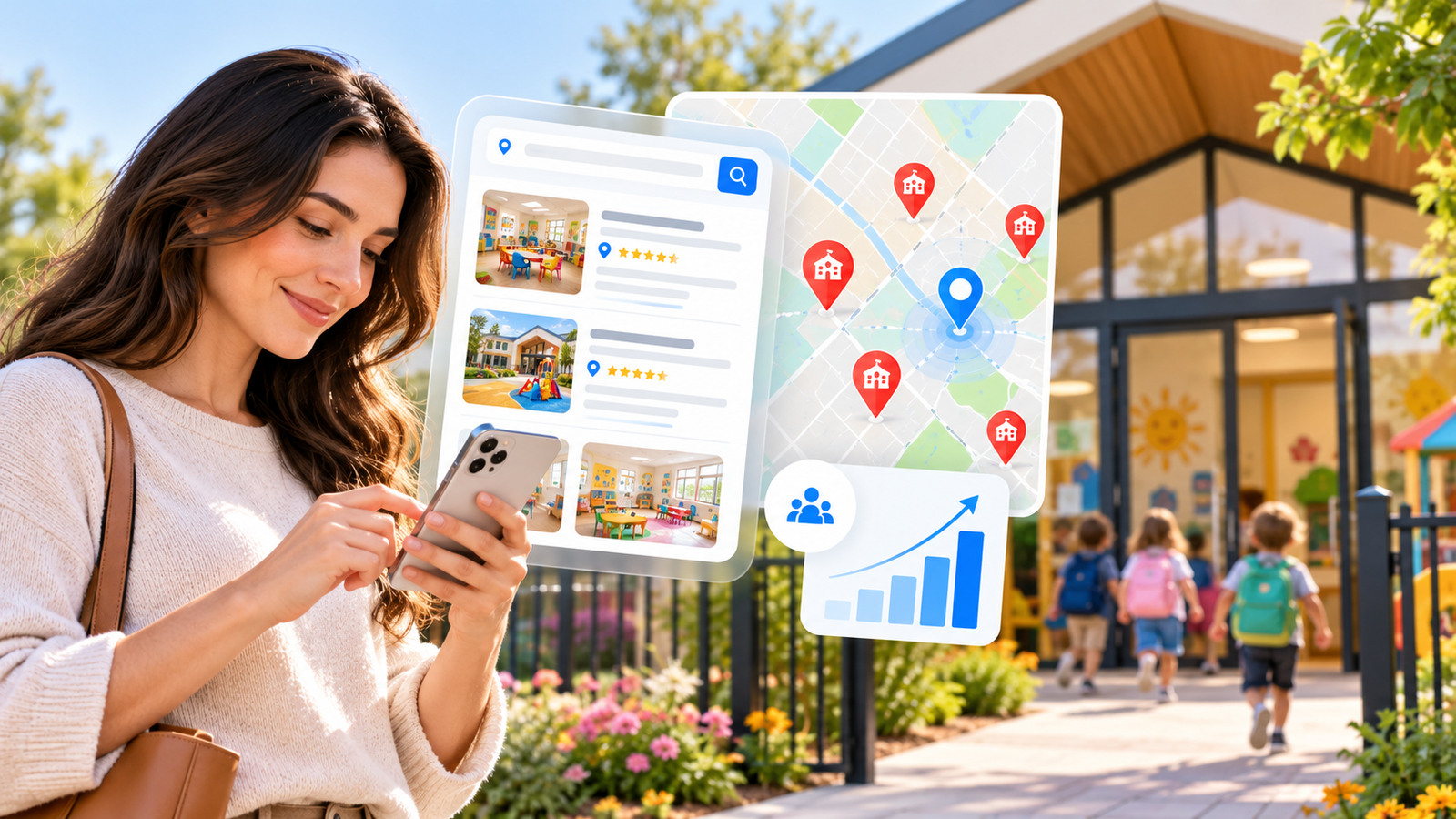
A daycare director checks Google Maps and finds neighbouring centres, but not their own. It is tempting to assume the business needs more keywords or a paid SEO package. First, identify whether the problem is a missing Business Profile, a profile issue, or a ranking problem for searches made from different locations. Those are very different diagnoses.
Quick answer: why your daycare may not appear in Google Maps
Start by distinguishing “our Business Profile cannot be found by exact name” from “our centre appears by name but not for ‘daycare near me’”. The first suggests a business identity, verification, ownership, suspension, location or duplicate-listing issue. The second may reflect category relevance, distance, prominence or competition. They need different fixes; a new keyword-stuffed website page cannot resolve a disabled Business Profile.
Do this reproducible 20-minute check before editing anything
- Search by exact legal/customer-facing centre name and town: save the date, exact search text, city and whether a verified profile appears. Repeat with the known address if the name alone is ambiguous. Search snippets and Maps can differ by location.
- Check the managing account: confirm that the correct centre is claimed, verified and eligible. Record any verification or suspension notices; do not create a second listing to bypass a restriction.
- Inspect public accuracy: compare real address or appropriate service-area display, main category, phone, hours and website URL with the centre’s own approved information. Keep parent-visit instructions clear.
- Then test non-brand queries: use two or three relevant programme searches from representative parent locations, noting that Maps results vary. A single remote rank result does not prove a penalty or guarantee reach throughout a city.
- Check the website separately: the linked landing page should load, explain real age programmes and admissions, display a working contact option, and avoid incorrect noindex or canonical signals.
Illustrative diagnosis record (not a real centre’s results)
Observed example: Exact-name search finds the centre, but “toddler daycare near [district]” does not show it in a sample local result. What this does not prove: a suspension or an indexing bug. Next action: verify age-programme relevance, physical location context, the legitimate profile category and parent-facing landing page. Evidence to save: account status, listing URL, search location, query, date and the actual enquiry path. Do not invent reviews, credentials or a ranking outcome.
When you need an admissions-focused website review rather than a profile-status diagnosis, see preschool and daycare SEO services. For rules on actual local visibility, refer to Google’s Business Profile local ranking guidance.
Step 1: Check whether the profile exists and is verified
Search the exact business name and address, not only “daycare near me.” If the listing is missing, confirm whether it has been created and verified by the eligible business owner. If it has been disabled or suspended, consult the notices in the managing account before attempting changes. Do not create duplicate listings to bypass a problem. Google explains how to find your business on Search and Maps.
Step 2: Separate brand visibility from nearby search visibility
A centre that shows for its exact name but not for “preschool near me” may have a relevance or competition problem rather than an indexing failure. Test search terms from a few realistic parent locations and document the dates and search context. Results differ by searcher location; a single incognito search from the owner’s office does not represent all potential parents.
Step 3: Verify categories, hours and contact accuracy
Review the primary business category, address or service-area presentation, website, phone, hours and any supported attributes. Choose categories that truthfully describe the operation, not whatever keyword has the most traffic. Ensure holiday opening changes match the website; inaccurate information can cost parent trust before they ever enquire.
Step 4: Give parents useful information on the website
Check that the homepage identifies the centre clearly, that programme pages distinguish age groups and that the admissions route is obvious. Useful information may include whether a location accepts infants or toddlers, its teaching approach, contact method, availability-enquiry process and verified visiting arrangements. Do not publish invented reviews or safeguarding certifications in an attempt to look more authoritative.
Step 5: Audit local search signals without shortcuts
Google describes three broad factors in local ranking: relevance (how well the business matches the search), distance (how close the searcher is) and prominence (how established the business is). Photos, accurate information and authentic review engagement can help parents evaluate the profile, but no agency can buy its way to the top of the organic local results. Read Google’s own explanation.
Step 6: Look for a website technical barrier
If the Google Business Profile links to an old location page, a broken URL, an inaccessible mobile site or a redirect chain, visitors can struggle even when the listing appears. Check important page HTTP status, indexation preferences, mobile layout and contact forms. Search Console’s URL Inspection and performance reports are helpful for the website side; they are not a complete measure of Maps rankings.
Step 7: Measure parent enquiries rather than a single position
Track qualified admission calls, visits booked and form submissions where privacy settings allow. A centre may get more relevant enquiries after improving age-group information and contact usability even without a dramatic map-position change.
When should a daycare hire local SEO help?
Outside help is useful when a verified business with accurate information still struggles to connect website visibility with admissions, when several real centres need distinct location content or when technical site issues are blocking search and conversions. Ask for a prioritized diagnosis, implementation scope and reporting plan rather than a guaranteed “#1 Google Maps” promise.
For a service focused specifically on the parent admission journey, explore Adspheregroup’s small-business SEO approach or request an assessment and describe the exact problem.
Reference: Google’s Business Profile documentation linked above. This guide is educational; eligibility and results vary by location and business type.
Daycare map visibility diagnostic checklist
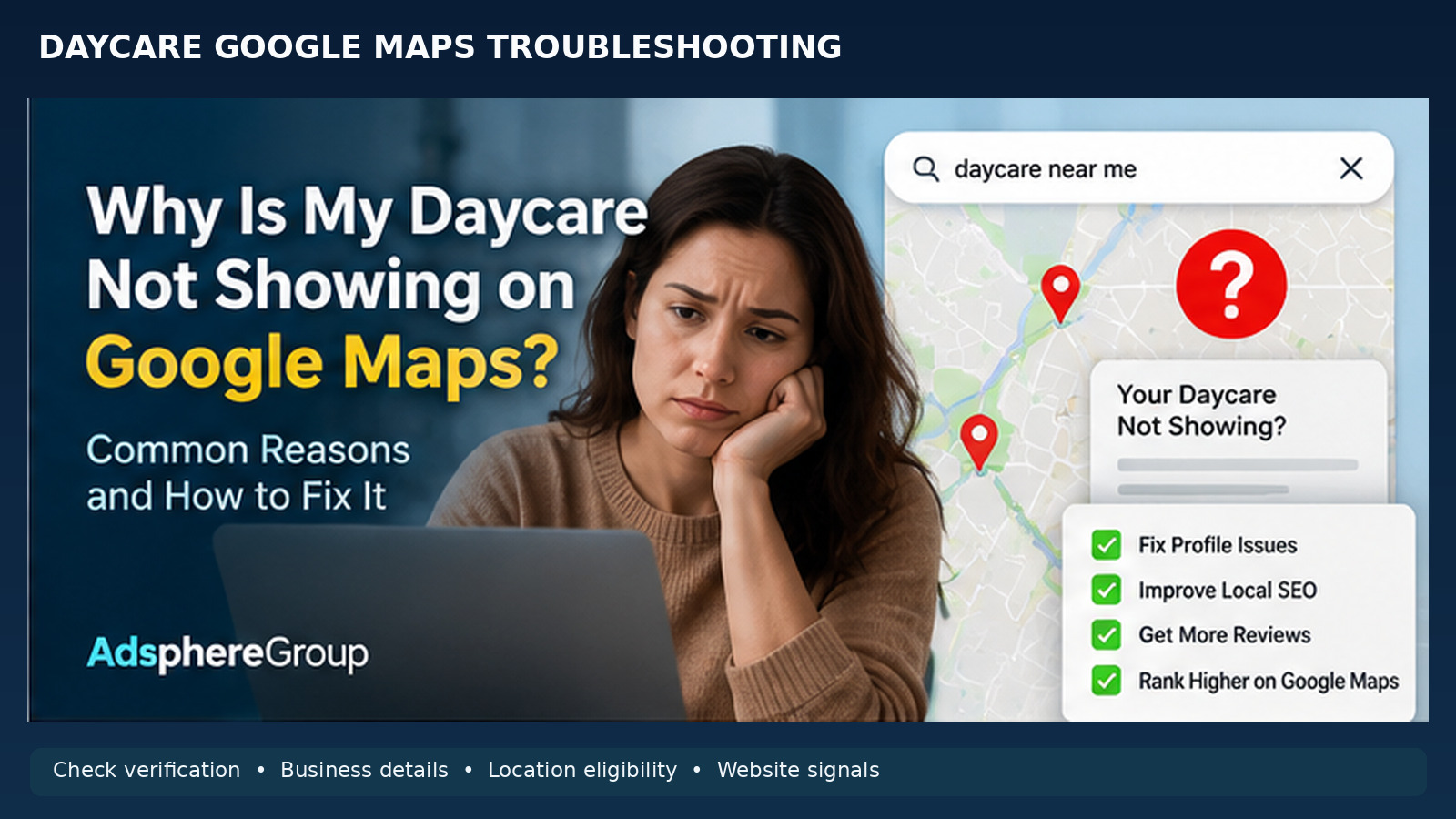
Check business verification, eligibility, accuracy and parent-facing information before assuming a ranking issue.
Explore preschool and daycare SEO services
Daycare missing from Google Maps? Use this diagnosis before hiring SEO
A business owner needs to know whether the listing has disappeared, was never created, shows only for the exact business name, or appears differently to parents who search from another part of town. Those are separate problems. Start by saving the exact business name, physical address, profile URL if known, test keywords, search locations and screenshots with dates. Use a consistent diagnostic log instead of comparing a single screenshot against a competitor and assuming the centre has been penalized.
Quick diagnosis matrix: symptom, evidence and next action
The exact centre name returns no listing
Check whether an eligible profile exists, whether verification is complete, whether the listing has been suspended or merged, and whether account notices explain a restriction. Do not create duplicates to work around moderation.
The centre appears by name but not 'daycare near me'
Test realistic parent locations; verify primary category, services and relevant website content. Consider distance and local competition rather than claiming an indexing failure.
A former address is still visible
Verify any genuine move with the owner, update the existing listing via supported process, and align the website contact page. New duplicate profiles can create confusion.
The map pin is in the wrong place
Confirm the real centre location and any available map pin editing options. Correct factual location information before attempting keyword changes.
Some parents see it and others do not
Record searcher proximity, date and query phrasing. Maps results are personalized by location and relevance; different positions do not automatically indicate a technical fault.
Business listing works but admissions are weak
Review programme relevance, opening hours, phone and admission form rather than focusing solely on position. Verify whether contacts lead to centre visits.
The first 15-minute check: exact sequence
First search for the centre's precise official name and locality. Next open the profile managing account and check its verification and status; if the account is inaccessible, follow Google's legitimate ownership process. Then inspect the listed hours, phone, category, website destination and location. Only after that check more general parent searches from sensible geographic positions. Write down each observation and choose one likely cause at a time. Avoid changing categories or business names repeatedly just to provoke a ranking response.
Business Profile vs website: two different investigations
Google Business Profile is a managed business listing; Google Search Console describes how Google interacts with eligible website URLs. A URL that appears in organic web results does not prove its corresponding Business Profile should rank in Maps, while a verified Business Profile does not guarantee that an admissions landing page is indexed. Investigate both systems but keep their evidence distinct.
Profile and website integrity checklist
Identity
Business name, real location, eligible profile ownership, and category match what families can verify in person. No artificial keyword-stuffed business name.
Availability
Regular and holiday hours, programme eligibility and contact handling reflect real centre operations. Avoid stale admissions availability.
Website discovery
The profile's website link loads successfully; main programme/admission URLs return the intended status and have sensible canonical and robots instructions.
Parent trust
Permissioned campus photos, authentic programme descriptions and real public reviews; no fabricated safety credentials, ratios or awards.
Mobile conversion
Call and admissions controls are prominent, accessible and functional; contact forms deliver correctly and do not request excessive child information.
Local consistency
Contact and address details on site and relevant directories do not contradict the authoritative listing.
What not to do: common local SEO shortcuts
Do not buy reviews, pay for guaranteed local-pack rank, insert city keywords into the legal business name, register virtual offices as staffed locations, or create dozens of near-identical suburb pages. Google says local rankings mainly depend on relevance, distance and prominence. A business profile's service area or a website's heading cannot guarantee visibility from across an entire city.
A seven-day diagnostic project, not a seven-day ranking promise
Day 1–2: confirm profile ownership and status, location details and primary website destinations. Day 3–4: test device-specific admissions paths, page indexing, programme content and local search examples. Day 5–7: prioritize corrections with the centre manager, record implemented fixes, and establish an enquiry baseline. Continue monitoring over subsequent weeks because there is no dependable immediate response time for search ranking changes.
When to escalate or contact Google support
If the profile is suspended or has an unresolved verification problem, follow the relevant official reinstatement or verification procedures using genuine evidence. SEO copy cannot override enforcement. If the website has been compromised or returns server errors, fix access and security before link-building or new content. Maintain a change log so different managers are not simultaneously editing conflicting profile details.
How to tell whether the remedy worked
Technical completion
The listing's status and business details are correct, the destination URL loads and the website's high-value pages are crawlable when appropriate.
Visibility context
Relevant queries and representative parent locations are monitored consistently, acknowledging that positions vary.
Conversion behaviour
Qualified enquiry forms, telephone contacts and scheduled visits are monitored when technically and legally possible.
Documentation
The team retains before/after screenshots, correction dates, issues still unverified and a realistic follow-up plan.
FAQ: Why isn't my daycare first on Google?
Google does not provide a paid or manual route to a permanently higher organic local position. Proximity, relevance and prominence all matter. How many reviews are enough? There is no universal number; focus on authentic feedback and responsive operations. Will an SEO plugin fix Maps? A plugin can improve website metadata, but cannot repair an ineligible or unverified Business Profile. Can a centre create a page for a nearby city? Only where the page meaningfully helps that city's parents and reflects real operations.
Useful official resources: support.google.com/business/answer/7091 for local ranking; support.google.com/business/answer/3038177 for representing a real business; Google's Search Essentials at developers.google.com/search/docs/essentials. This article is a diagnostic guide and does not describe a real centre's measured results.
Get a daycare visibility diagnostic
Search Intent and Technical SEO Comparison Tables
| Search intent | Destination | User value / evidence | What to measure |
|---|---|---|---|
| Exact name missing | Business Profile account/status | Verification and eligibility evidence | Owner confirms status |
| Appears by name not near me | Local relevance test | Check genuine categories and proximity | Consistent local tests |
| Wrong map pin | Actual location details | Correct verified address/pin | Accurate location |
| Map visits not converting | Admissions/contact route | Working form, calls and parent FAQs | Booked centre visits |
| Technical issue | Diagnosis | Responsible remedy | Validation |
|---|---|---|---|
| Suspended profile | Official account notices | Follow legitimate appeal flow | Profile status |
| Website not indexed | URL Inspection and crawl tests | Correct actual URL issues | Indexed page where eligible |
| Conflicting NAP | Cross-check website and listing | Update actual business information | Consistent details |
| Duplicate business listing | Check ownership | Consolidate invalid duplicate responsibly | Single eligible profile |