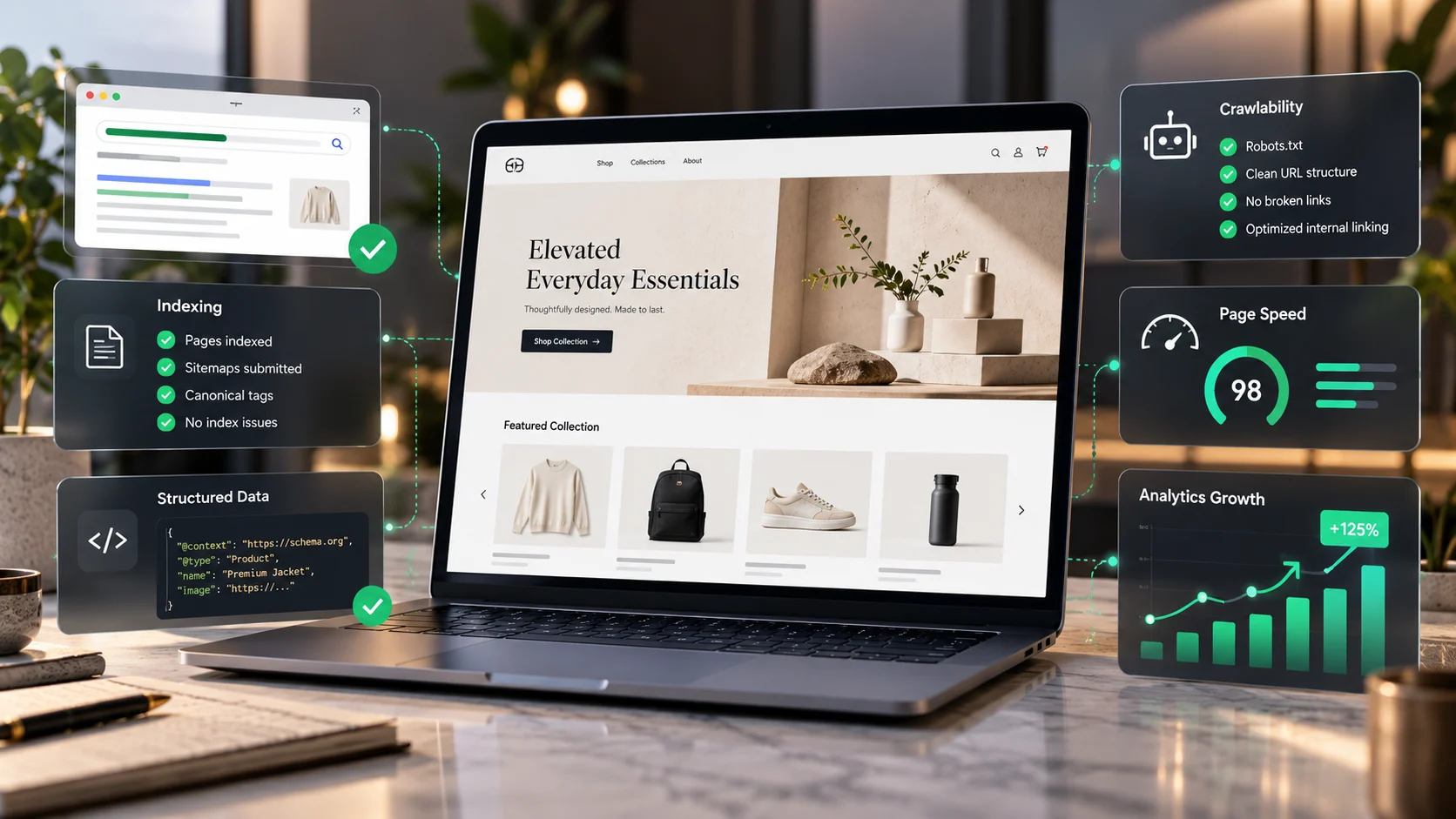
Technical Shopify SEO should end in a better store, not just a long list of errors. A Shopify store can have strong products and still struggle to earn relevant search traffic because collection pages are hard to discover, navigation creates confusing URL variants, structured product information is incomplete or performance suffers under third-party code. Adspheregroup helps store teams identify which issues actually matter and turn the findings into prioritized, testable improvements.
Shopify technical SEO: a reproducible diagnostic example
Consider a hypothetical Shopify store with an important collection at /collections/linen-shirts. Its products are in stock, but the collection earns no relevant non-brand search visibility. This is an illustrative test case, not a claim about an audited client store. The right first task is to identify whether the problem concerns crawl discovery, indexing, the canonical choice, search intent or competitive usefulness.
Five checks before editing Shopify Liquid or robots rules
- Fetch the canonical collection URL: record the HTTP status, declared canonical, robots meta, heading and whether useful category content is visible in rendered HTML.
- Inspect a sorting example: compare
/collections/linen-shirts?sort_by=price-ascendingwith the preferred collection. Document the actual canonical behaviour; do not assume all app-generated parameters behave like Shopify defaults. - Trace discovery: follow crawlable HTML links from navigation and related collections. If the page is accessible only through filter JavaScript, inspect the rendered DOM and source-link paths.
- Validate product data separately: check actual product/variant detail pages for visible price, availability, and relevant Product/Offer markup. Category pages listing unrelated products are not the same as a single purchasable product page.
- Test any proposed fix: compare representative URLs before and after, then verify filters, cart, currency, variants and mobile rendering. Preserve a rollback owner for code and app changes.
What implementation-focused Shopify technical SEO should deliver
Request a URL-level issue list with evidence, a P0–P3 priority, the precise theme/app/configuration change, potential shopping impact, staging acceptance tests and a post-release validation record. An audit-only document and hands-on implementation are different services; confirm which is included. Shopify already provides basic technical SEO features, so editing robots.txt.liquid or replacing canonical tags without an identified fault can make the store worse.
For category-specific troubleshooting see why Shopify collection pages do not rank. For excessive third-party code see the Shopify app bloat cleanup guide. Relevant official reference: Google’s merchant listing technical guidelines.
Ask for a Shopify technical SEO assessment and share your store URL, target countries and most important collections.
How this differs from general ecommerce SEO
Our ecommerce SEO service covers the wider strategy across products, categories, content and visibility. This service focuses on the Shopify-specific technical layer: whether search engines find the right URLs, what page templates communicate, and how safely changes can be implemented in a live storefront.
Technical issues we investigate
Collection page discovery and search intent
Important collections need crawlable internal links, useful descriptive content and clear hierarchy. We examine whether the right collections are linked from navigation, whether collection headings match real buyer intent, and whether filtering or sorting creates unnecessary competing URLs. We avoid creating nearly identical collections purely for search traffic.
Canonical URLs, duplicate variants and indexing
Shopify generates canonical tags and XML sitemaps automatically for many store setups. That baseline should be inspected before anyone edits a theme. We examine actual rendered canonical tags, redirects, indexability, parameter URLs, variants and the discrepancy between submitted and indexed URLs using Search Console when access is available. A canonical tag is a hint, not a promise that Google will index the preferred page. Shopify SEO documentation.
Product structured data and Merchant Center consistency
We check whether product pages use appropriate, valid Product and Offer markup and whether visible prices, availability, variants and merchant information agree with the structured data and feeds. Product rich results generally relate to individual products, not category listing pages; marking every collection as a product is not a shortcut. See Google’s merchant listing requirements.
Core Web Vitals and theme weight
We review loading, responsiveness and visual stability using suitable lab and field data. Shopify apps, hero images, fonts and third-party scripts can be useful but expensive. We identify the actual source of delay before proposing changes; we do not promise an arbitrary 100/100 score that ignores business functionality. Read our guide to slow Shopify stores and Shopify speed optimization service.
Theme changes without breaking conversion paths
Custom Liquid, app integrations, wholesale pricing and JavaScript require careful testing. Technical SEO changes should be staged when possible and checked across mobile, cart, checkout boundaries, filtering and product variants. A ranking opportunity is not worth damaging live purchasing flows.
Typical project deliverables
An agreed scope may include a URL/indexability review, collection and product-template findings, internal-link recommendations, validated schema fixes, speed priorities, implementation notes and post-change verification. We distinguish recommendations from work actually deployed and supply a clear handover.
Shopify technical SEO FAQs
Why are some Shopify collection pages not appearing on Google?
Possible reasons include insufficient internal links, duplicate or overlapping intent, canonical signals, robots or noindex restrictions, weak content or simply that Google has not chosen to index them. The correct diagnosis requires checking the actual URL and Search Console; indexing cannot be forced.
Do all Shopify stores need a custom robots.txt?
No. Shopify already supplies a robots.txt baseline. Customizations should solve a confirmed issue rather than copying generic directives that may block important content.
Will structured data guarantee rich results?
No. Eligible markup helps search engines interpret product information, but presentation is controlled by the search platform.
Can you work with existing developers?
Yes. We can propose an audit and implementation handoff for the client’s own team, or scope direct changes where access and testing arrangements allow.
Talk through the store’s highest-impact issue
Contact Adspheregroup with your store URL, main collection and a description of the indexing, traffic or performance concern. We will discuss an appropriate audit or implementation scope, without promising guaranteed rankings.
What a technical Shopify SEO workflow examines
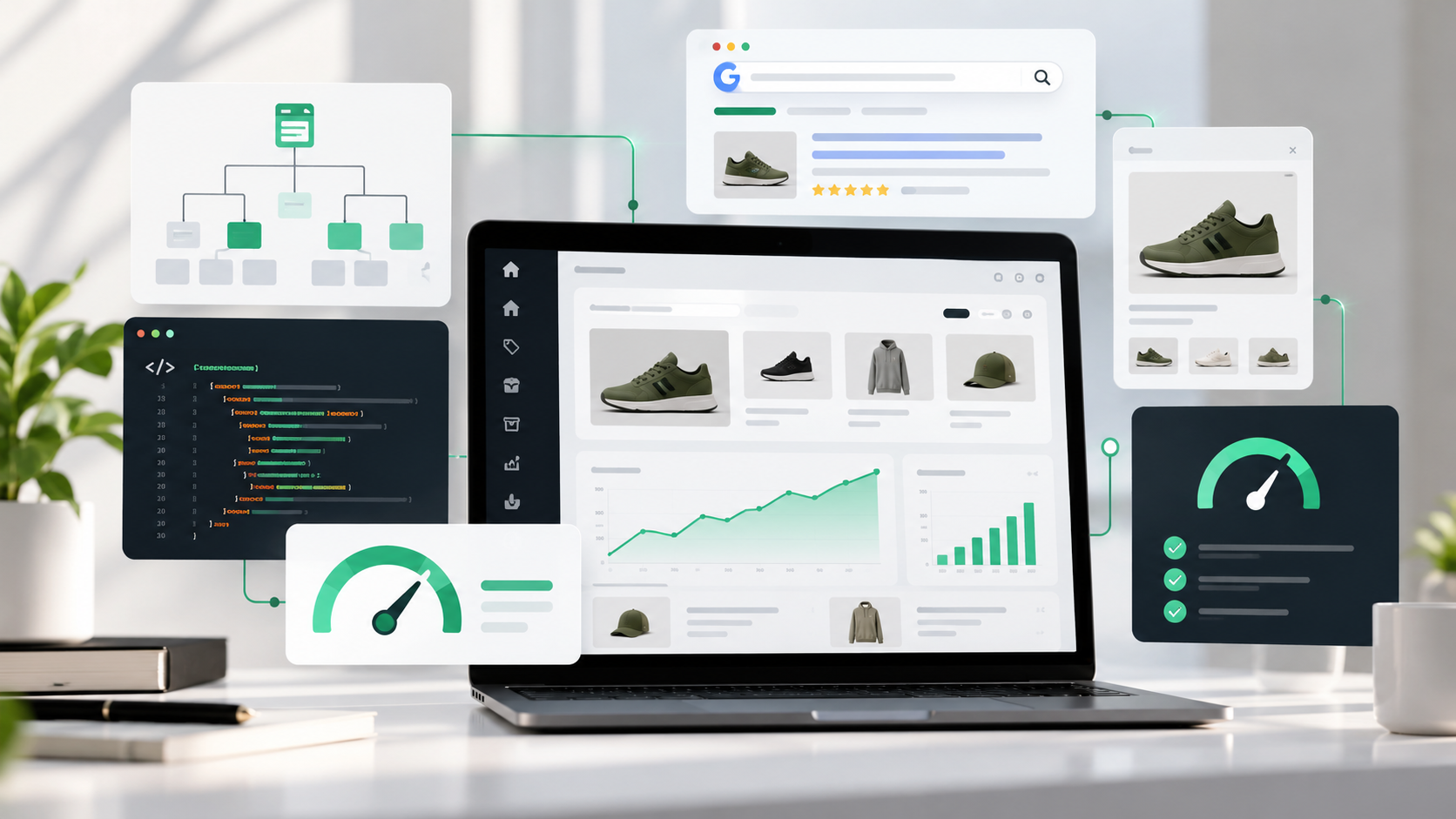
Conceptual store architecture, indexation and performance checks, not claims about live store metrics.
See the Shopify collection ranking guide
A practical Shopify technical SEO assessment: decisions, not generic error counts
A store owner needs to know which technical issues block valuable product or collection URLs, which warnings are expected platform behaviour, what changes could disrupt a live checkout, and how success will be checked after implementation. A useful technical SEO audit combines URL evidence, platform knowledge and commercial priorities. It should not score a store poorly simply because all filtered or variant URLs do not appear in Google's index.
Shopify URL and indexation diagnosis matrix
Important collection not indexed
Use Search Console URL Inspection and a fresh HTML check to identify crawl access, declared canonical, Google-selected canonical, internal discovery and content uniqueness before changing robots directives.
Several URLs display the same products
Review sort, filter, tag and product-via-collection routes. Map duplicates and identify canonical intent; do not blanket noindex combinations that are useful and intentionally indexable.
Product appears for brand name but not product category
Check whether category search intent belongs to a collection page, whether the collection has appropriate products and descriptions, and whether prominent crawlable navigation links reach it.
Variant prices or availability differ in Google
Compare visible variant selection, Product/Offer structured data, Merchant Center feed, currency/location variants and cache behaviour. Validate against actual store configuration.
Sudden organic drop after theme change
Check deployment dates, site access, template headings, canonical and robots output, lost links, redirects, performance regressions and Search Console coverage changes before assigning blame.
Collection category cannibalization
Compare query overlap, product sets, heading intent and internal anchor texts. Merge truly overlapping collections only after accounting for redirects, merchandising and user pathways.
Technical audit evidence: how to distinguish a problem from a normal platform feature
Shopify already supplies canonical tags, sitemap.xml and robots.txt for standard stores. That is not proof every template or installed app is configured correctly, nor does it mean every excluded URL is broken. For each flagged issue, we document an example URL, observed behaviour, expected behaviour, business impact, safe proposed fix and a post-change verification method. If Search Console disagrees with a crawler, investigate differences in crawl date, rendered output and access rather than automatically trusting one tool.
A sample priority scale for fixing technical SEO
P0 — Broken purchasing or access
Checkout, navigation, collection and product pages unavailable or returning significant server errors. Coordinate with store operations first; restoring functionality is more important than raising an SEO score.
P1 — Important indexable pages blocked
Confirmed accidental noindex, disallowed crawl access, bad canonical or redirect loop on commercial URLs. Fix with change control and verify response and rendered markup.
P2 — Content hierarchy or duplication
Weak collection entry points, overlapping taxonomy, conflicting filter URLs or incomplete product details. Fix with mapping, internal links and test cases.
P3 — Optimization opportunities
Alt text, template clarity, secondary performance improvements and supporting FAQ content that helps shoppers choose. Prioritize against cost and expected benefit.
What Core Web Vitals mean for Shopify operators
Core Web Vitals describe real user experience, not an isolated score to maximize at any cost. Google's good-experience thresholds are LCP no greater than 2.5 seconds, INP no greater than 200 milliseconds and CLS no greater than 0.1. Evaluate field data where available, then lab-test representative templates on mobile. A speed change must not remove essential payment, inventory, analytics or accessibility behaviour just to improve a synthetic metric.
For a collection template, a high-resolution hero can dominate LCP; a filter script may hurt responsiveness; late-loading promotional bars can cause layout movement. Diagnose which element causes the regression, then implement and retest. Our existing Shopify speed service covers performance work separately where a site's larger optimization effort needs a dedicated scope.
Product schema, collections and merchant experiences
Google's merchant listing guidance targets purchasable product pages, not a generic category page showing unrelated products. Check that Product and Offer data match visible price, availability and variant state. Markup is not a substitute for accurate inventory or a Merchant Center feed, and valid markup does not guarantee rich-result display. If the store's theme or app already generates product markup, avoid layering a second conflicting JSON-LD implementation.
International stores, markets and currency considerations
Stores selling internationally may need clear market-specific URLs, appropriate hreflang where implemented, correct canonical relationships, consistent currency display and properly localized product availability. Copying the same regional page without a useful difference does not create market expertise. Never assume that a theme's language selector automatically implements Google's localization guidance correctly; test the rendered link elements and actual country access.
Implementation handoff: what buyers should receive
Baseline and inventory
Priority URL samples, crawl/index evidence, discovered schema and performance gaps, and analytics limitations.
Change plan
Template or configuration to modify, expected result, risk to merchandising or purchasing, owner approval and staging test plan.
Quality assurance
Desktop and mobile checks for navigation, filters, selected product variants, add-to-cart, search, redirects, structured data and accessibility.
Validation report
Changed URLs, screenshots or test outputs, post-release crawl/index checks and a short list of questions that can only be answered after search engines revisit pages.
Shopify SEO questions worth asking before an agency contract
Does the package include implementation or only a PDF? Who will test the live store, and who can roll back a Liquid change? Which pages are excluded by design? Will the agency explain canonical signals rather than promise every URL gets indexed? How are organic revenue, assisted conversions and product availability reported? A credible proposal answers these explicitly and avoids guarantees of a particular ranking or PageSpeed score.
Official references: Shopify SEO overview (help.shopify.com/en/manual/promoting-marketing/seo/seo-overview); Google canonicalization guidance (developers.google.com/search/docs/crawling-indexing/consolidate-duplicate-urls); Google merchant listings (developers.google.com/search/docs/appearance/structured-data/merchant-listing); Google Core Web Vitals (developers.google.com/search/docs/appearance/core-web-vitals).
Request Shopify technical SEO implementation scope
Search Intent and Technical SEO Comparison Tables
| Search intent | Destination | User value / evidence | What to measure |
|---|---|---|---|
| Important collection unindexed | Collection page | Crawl/canonical/robots diagnosis | Search Console status |
| Incorrect product data | Product/variant page | Price, availability, feed and structured data | Data consistency |
| Filter URL duplicates | Faceted category routes | Parameter and canonical strategy | Less duplicate URL competition |
| Poor mobile speed | Representative product/collection templates | Measure LCP, INP and CLS | Improved field data |
| Technical issue | Diagnosis | Responsible remedy | Validation |
|---|---|---|---|
| Blocked collection | Inspect robots and noindex | Remove confirmed accidental block | URL Inspection |
| Wrong canonical chosen | Compare declared and selected canonical | Align internal links and URL signals | Canonical consistency |
| Product schema error | Validate eligible product URLs | Correct visible Offer details | Structured data checks |
| Large script regression | Profile JS and main-thread tasks | Remove or defer verified nonessential code safely | Store and cart QA |
Related Shopify SEO reading
App-related JavaScript and third-party requests can affect storefront responsiveness, but removing an app without checking dependencies can interrupt important functions. See our Shopify app bloat and safe cleanup guide for a dependency-aware audit workflow.